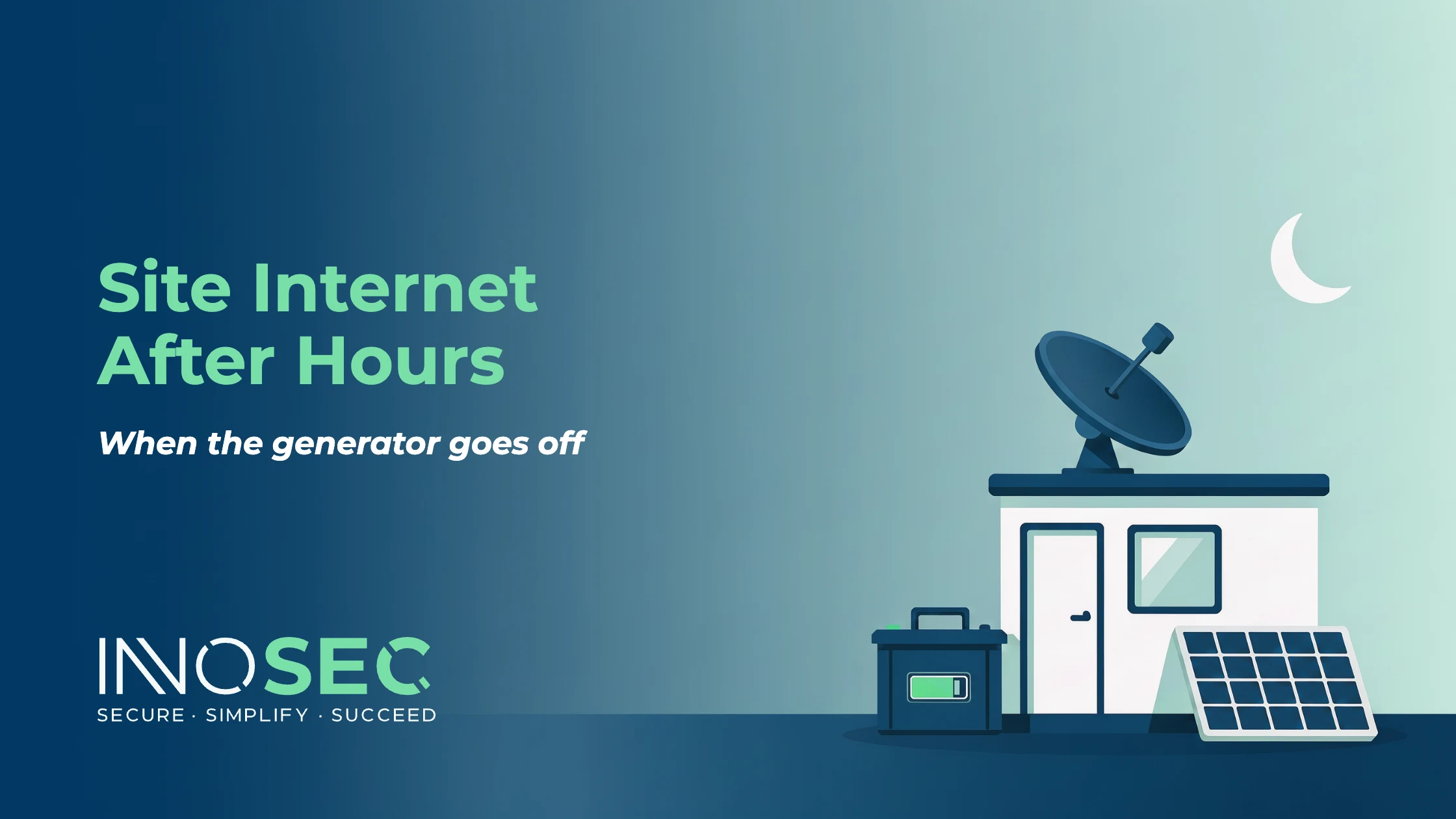
On most sites, the generator goes off when the last person leaves. On Friday evening, that means the cabin is without power until Monday morning. The satellite dish, the router and anything else plugged in go dark with it.
For a lot of firms, that is fine until it is not. Site cameras that send footage over the internet stop sending it. Alarms that report over the connection go quiet. Nobody can check in remotely, and on Monday morning the router has to come back up before anyone can work. The question we get asked is simple: can the cabin keep its internet on when the generator goes off?
Yes, and it costs less than most people expect, as long as you size it properly.
Work out what actually needs to stay on
Start by listing what must keep running when the site is empty. Usually that is:
- The satellite dish and its router
- The 4G backup router
- A small network switch, if you have one
- Any cameras or alarm panels that report over the internet
Leave out everything else. Laptop chargers, heaters, kettles and printers do not need to run overnight, and they are what make battery systems expensive.
Do the arithmetic before you buy
Every device has a power rating, usually on a label or in its manual. Add them up. On one of our clients’ sites, the communications load came to about 70 watts.
Then work out how long it has to run. From Friday evening to Monday morning is roughly 65 to 67 hours. At 70 watts for 67 hours, that is about 4.7 kilowatt-hours (70 × 67 = 4,690 watt-hours).
That is the energy the equipment uses. The battery needs to hold more than that, because:
- Batteries are not designed to be run completely flat, so only part of their stated capacity is usable
- Converting battery power to mains power loses some energy along the way
- Batteries lose capacity in cold weather, and site cabins get cold
So add a sensible margin. A battery with usable capacity comfortably above the figure you calculated is what keeps the site up until Monday rather than failing at 4am on Sunday. Check the manufacturer’s usable capacity figure, not the headline number.
Get an electrician to fit it properly
The battery should be wired into the cabin properly, not plugged into an extension lead off the generator. On our client’s site, an electrician fitted a dedicated circuit for the communications equipment. When the generator runs, the battery charges. When it stops, the battery takes over automatically, and nobody has to remember to do anything.
This is electrical work, so it is a job for a qualified electrician. Our part is working out the load, the runtime and what needs to be on the circuit.
Solar helps, but do not rely on it in winter
A small solar panel on the cabin can top the battery up and stretch the runtime. In summer, it can make a real difference. In a Northern Ireland winter, with short days and low sun, it will not do much. Size the battery to cover the weekend on its own, and treat solar as a bonus.
Know when something goes wrong
The last piece is knowing when the power or the connection fails before Monday morning. Most routers and many battery units can send an alert when the power drops or the connection goes down. Make sure that alert goes to someone who will see it, not to a mailbox nobody reads.
In short
- List only what must stay on: dish, routers, switch, cameras, alarms
- Add up the watts and multiply by the hours the site is empty
- Buy a battery with usable capacity comfortably above that figure
- Have an electrician fit a dedicated circuit that switches over automatically
- Treat solar as a top-up, not the plan
- Set up alerts so you hear about failures before Monday
This is one part of getting site internet right. The other part is the connection itself, which we cover in how to get reliable internet on a building site with no broadband.
Related: IT support for construction companies in Northern Ireland
Find out where your IT stands
Book a free 15-minute call. If it’s a fit, the next step is our IT Risk and Ownership Review: £295 + VAT, using read-only access to your Microsoft 365, and credited against your first month.