On this page
Your HMRC agent sign-in reaches your clients’ tax affairs, not just your own. HMRC says agent accounts are “often a target for fraudsters due to the access they can provide to multiple clients’ tax records”.
Protect it with named accounts for every person, an up-to-date list of who has access, sign-in only through the web, and computers that are as secure at home as in the office. Then protect the email address behind the account as well as the account itself. If something looks wrong, report it to HMRC and do not try to fix the account yourself.
Why is the agent account such a target?
An administrator can access any online service the practice is enrolled for. One stolen sign-in can reach many clients at once.
HMRC has warned that criminals use phishing emails, sometimes disguised as a bill or certificate, to trick agents into installing legitimate remote access software. They can then control the computer without the agent knowing. Because the software isn’t malicious in itself, antivirus may not flag it.
Fake HMRC emails are another route. In February 2025 Chartered Accountants Ireland passed on HMRC’s warning about one asking firms to submit an anti-money laundering return and pay fees.
What happens if HMRC thinks our account is compromised?
Where HMRC believes an agent account has been compromised, it may suspend the account without notice. Once suspended, you can’t sign in or reset your password. ICAEW reported that several member firms had their agent accounts suspended this way.
HMRC says your first call should be its Online Services Helpdesk on 0300 200 3600. It will try to call back within 72 hours to take you through a password reset across all your Government Gateway sign-ins and third-party filing software, though this isn’t always possible. Don’t contact other HMRC teams; it slows things down. Make sure devices are free of malware too, or fraudsters can get straight back in.
If HMRC thinks someone has accessed your agent account without permission, it will email you a temporary password. You must change it at first sign-in, to something not similar to a past password (HMRC: keep your agent security information safe).
Which controls does HMRC expect us to have?
HMRC’s guidance for agents is specific:
- No shared logins. Do not let anyone use your sign-in details. If others need access, set them up as administrators or standard users.
- Give most staff standard access. Administrators can add and delete users and enrol for services. Standard users only see the services an administrator assigns to them. We’d keep administrators to the few who need it. The same thinking applies to admin access in your Microsoft 365.
- Remove leavers promptly. HMRC asks you to keep your list of administrators and assistants up to date. We’d put removal from the agent account on every leaver checklist.
- Use your own agent registration. Never use a client’s own sign-in details.
- Sign in through the web, not email links. HMRC will never ask for your password. It only emails from addresses ending in gov.uk, so check it is at the end, not in the middle.
- Train staff on current phishing. HMRC asks you to keep staff up to date on the latest threats. Our post on why staff keep clicking explains why one-off training rarely sticks.
- Secure home computers. HMRC is explicit: personal computers used for work must have the same security controls as office computers.
- Check the account and your software. Look for unusual activity in the agent account, such as changed email addresses or added software, and in your tax software, such as changed bank details.
- Run antivirus and remove unknown software. HMRC also says to check for software you did not install or don’t use, and remove it.
HMRC also recommends regular security check-ups with cyber security specialists, especially if you have had problems before.
How does this connect to our Microsoft 365?
HMRC sends its temporary password by email, and lists a changed email address as a warning sign. That makes the mailbox behind the account part of its security.
These are not HMRC requirements, but on the Microsoft 365 side we advise:
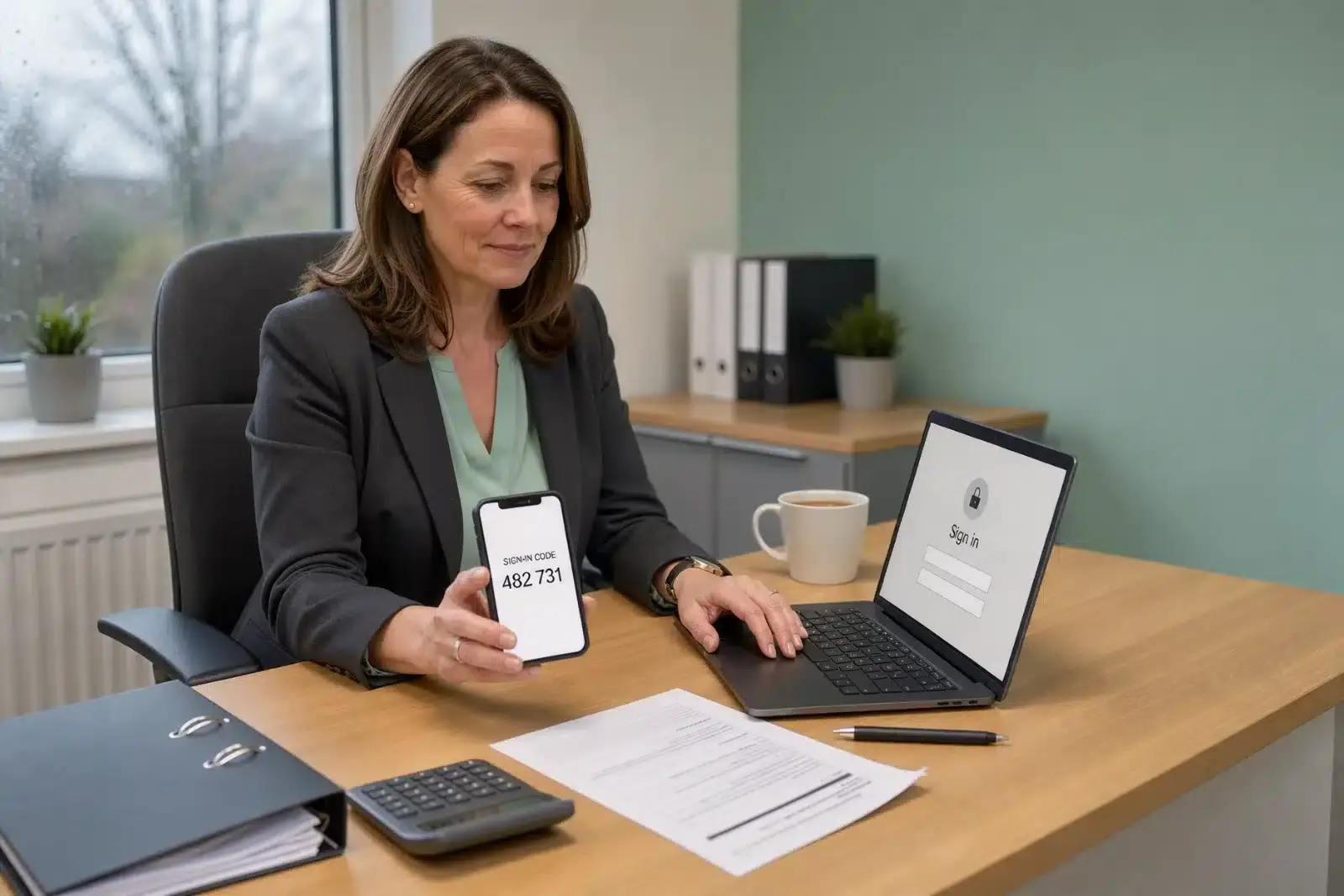
- Multi-factor sign-in on every Microsoft 365 account, especially the mailbox registered with HMRC.
- Sign-in rules that block unmanaged devices and unusual locations. See our guide to Conditional Access policies.
- Alerts on mailbox rules that forward, hide or delete email.
- Control over what software staff can install, which makes it harder for a phishing email to quietly add a remote access tool.
Check multi-factor authentication is on for your HMRC agent sign-in too. Agents can only use the security console to report suspicious activity if it is activated (HMRC: report suspicious activity). HMRC also warns agents to watch for multi-factor authentication they did not set up.
What do we do in the first hour?
- Don’t try to fix it yourself. HMRC says not to correct anything in the account if you spot suspicious activity.
- Report it to HMRC. Use the security console in your agent account if you can still sign in and multi-factor authentication is on. If not, use HMRC’s online reporting form. You can’t save it, so first gather contact details, what you saw and any client authorisations. HMRC aims to contact you within 10 working days. If the account has been suspended, call the helpdesk number above.
- Change your password if you still have access.
- Check the practice’s devices and email. If either was the way in, deal with that too. Our guide to a compromised email account sets out the steps.
- Report the crime. Report it to Report Fraud, which replaced Action Fraud in December 2025 and covers Northern Ireland. Call the PSNI on 101 instead if it happened in the last 24 hours, there’s a known suspect in Northern Ireland, the victim is vulnerable, or police action could stop the loss.
- Assess whether personal data was exposed. If the breach is likely to put people at risk, report it to the Information Commission (formerly the ICO) as soon as possible and, where feasible, within 72 hours (Information Commission: report a personal data breach).
- Tell your insurer. The regulator lists your insurer among those to consider notifying after a breach.
If a partner holds the agent account but someone else runs your IT, agree who checks the user list, handles leavers and makes the first call.
Related: Cybersecurity for professional firms
Frequently asked questions
Can several staff share one agent login?
No. HMRC says not to let anyone use your sign-in details. Set each person up as an administrator or standard user instead, so access can be removed individually.
How do we know an email from HMRC is genuine?
HMRC says it only emails from addresses ending gov.uk. Even then, don’t click the link. Sign in through the web and forward suspicious emails that mention HMRC to phishing@hmrc.gov.uk.
Does a home computer used for client work need the same protection?
Yes. HMRC says personal computers used for work must have the same security controls as office computers. If that’s hard to guarantee, consider issuing practice-managed laptops instead.

Written by Alan McBurney
Founder of INNOSEC. More than 25 years designing and securing IT, now looking after professional and construction firms across Northern Ireland.